Zero-Budget Video Content in 2026: AI Tools That Work for Small Biz
Create engaging video content without spending a dime in 2026. Free AI tools, phone strategies, and proven tactics that small businesses use to drive results.
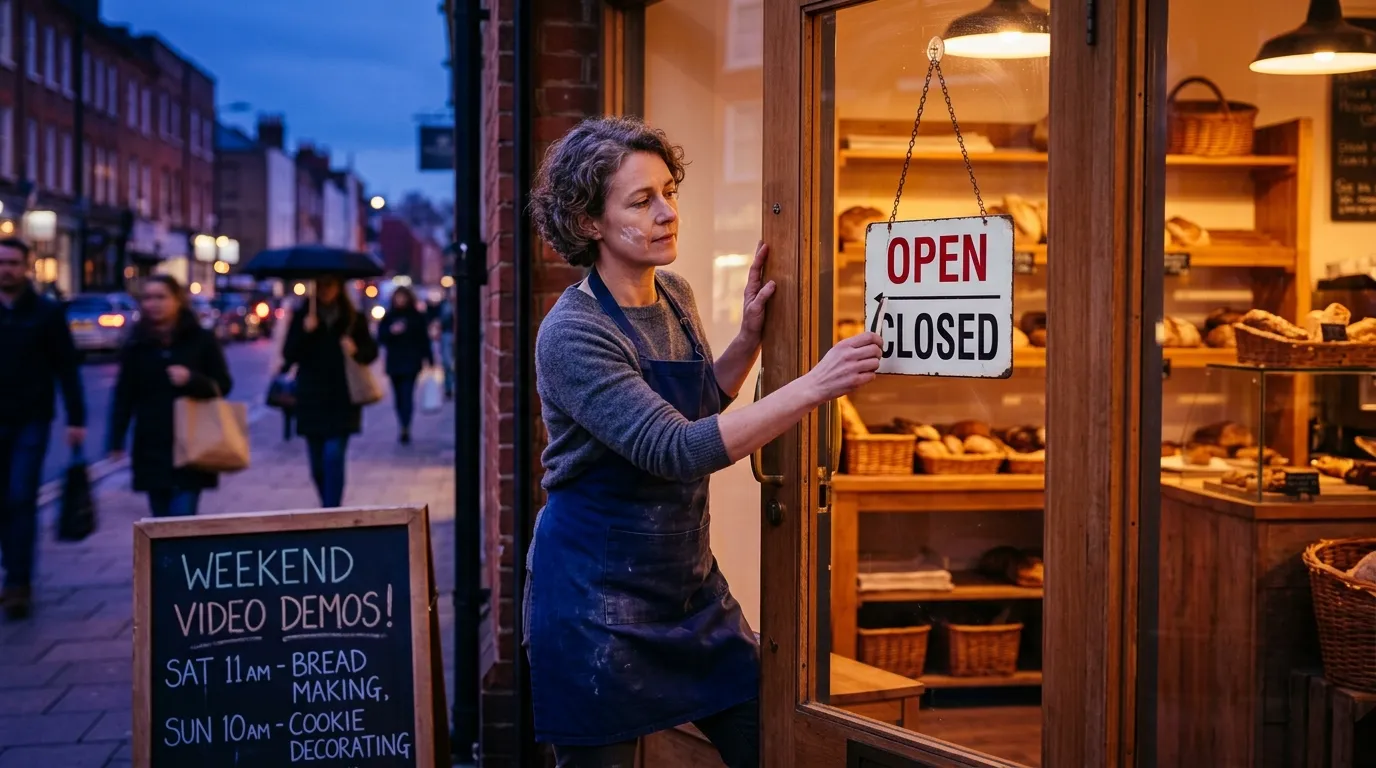
Creating high-quality video content without any budget isn't just possible in 2026—it's easier than ever thanks to powerful AI tools and smartphone capabilities that rival professional equipment. Small business owners are discovering that the biggest barrier to video success isn't money, but knowing which free tools actually deliver results and how to use them strategically.
The landscape has shifted dramatically. While competitors spend thousands on video production, savvy entrepreneurs are leveraging free AI platforms and simple techniques to create content that performs just as well. Content repurposing strategies have become even more powerful when combined with these zero-cost video solutions.
Free AI Video Generators That Actually Deliver Results in 2026
The AI video generation space exploded in 2026, with several platforms offering genuinely useful free tiers. Unlike the limited tools of previous years, today's options can create professional-looking content without watermarks or severe restrictions.
Runway AI leads the pack with unlimited generations and HD quality output. Their text-to-video feature transforms written descriptions into engaging visual content in under two minutes. For small businesses, this means turning product descriptions, service explanations, or customer testimonials into dynamic videos without any technical skills.
Ovi Video Generator offers another powerful option with physics-accurate motion and synchronized audio. The platform requires no signup and provides instant access to advanced video creation capabilities. What sets Ovi apart is its ability to generate videos with realistic effects that would typically require expensive software and expertise.
Invideo AI takes a different approach by focusing on complete video production. Their free tier includes AI-generated scripts, voiceovers in over 50 languages, and automatic subtitle creation. For businesses targeting diverse audiences, this multilingual capability is invaluable for expanding reach without additional costs.
The key to maximizing these tools is understanding their strengths. Use Runway for quick social media clips, Ovi for product demonstrations requiring realistic motion, and Invideo for longer-form educational content that needs professional narration.
Smartphone Video Techniques That Rival Professional Production
Your smartphone is capable of creating broadcast-quality video content when used correctly. The hardware in 2026 smartphones often exceeds what professional videographers used just a few years ago, making technique and creativity more important than expensive equipment.
Lighting remains the most critical factor in video quality. Natural light from a window provides the best results for most business content. Position yourself or your subject facing the window, with the light source slightly to one side to avoid harsh shadows. For evening or indoor shoots, use multiple lamps or even your phone's flashlight bounced off a white wall.
Stabilization separates amateur from professional-looking content. While built-in smartphone stabilization has improved dramatically, simple techniques enhance results further. Lean against walls, use everyday objects as tripods, or employ the "ninja walk" technique—taking smooth, deliberate steps while keeping your upper body steady.
Audio quality often matters more than video quality for engagement. Your phone's built-in microphone struggles in noisy environments, but positioning yourself closer to your subject, recording in quieter spaces, or using the microphone from wired earbuds dramatically improves sound quality without additional investment.
Composition rules like the rule of thirds, leading lines, and proper framing apply regardless of your camera's cost. Frame shots thoughtfully, leave appropriate headroom, and ensure your background supports rather than distracts from your message.
Content Planning Strategies That Maximize Your Free Tools
Successful zero-budget video creation requires strategic planning to extract maximum value from limited resources. The most effective approach involves creating content frameworks that can be adapted across multiple videos and platforms.
Batch creation is essential when working with free tools that may have daily limits or processing times. Plan five to ten video concepts at once, gather all necessary materials, and create content in dedicated sessions. This approach maximizes efficiency and ensures consistent output despite tool limitations.
Develop repeatable formats that work well with AI generators. "Day in the life" content, product spotlights, quick tips, and behind-the-scenes footage translate well across different AI platforms and require minimal creative input each time. These frameworks allow you to focus on messaging rather than reinventing your approach for each video.
Hashtag strategies for 2026 work differently for video content than static posts. Video hashtags should focus on content themes and emotions rather than just keywords. Tags like #SmallBusinessTips, #BehindTheScenes, or #MondayMotivation perform better than purely product-focused hashtags.
Content calendars become crucial when managing multiple free tools with varying capabilities. Plan content around each tool's strengths—schedule AI-generated educational content for weekdays when engagement with informational posts peaks, and reserve smartphone-shot authentic content for weekends when audiences prefer casual, personal content.
Platform-Specific Video Optimization Without Spending Money
Each social platform rewards different types of video content, and understanding these preferences helps you allocate your free resources effectively. What works on Instagram Reels requires different optimization than LinkedIn video posts.
Instagram prioritizes vertical videos between 15-30 seconds for Reels, with quick cuts and trending audio. Free AI tools excel at creating these short-form videos when given specific prompts about pacing and visual style. Use AI generators for trending effect recreation and smartphone shooting for authentic, behind-the-scenes content that performs well in Stories.
TikTok rewards authenticity and trend participation over production value. Your smartphone often outperforms AI-generated content here because the platform's algorithm favors genuine, unpolished content that feels native to the platform. Save AI tools for TikTok educational content or explainer videos where information density matters more than authenticity.
LinkedIn video performs best when it's professional but personal. AI-generated content works well for industry insights, tips, and educational material, while smartphone content excels for company culture, personal stories, and thought leadership pieces. LinkedIn's audience tolerates longer videos, making it perfect for content that might be too lengthy for other platforms.
Facebook's diverse audience and algorithm changes in 2026 favor videos that generate meaningful conversations. Both AI and smartphone content can succeed here, but the key is creating videos that prompt comments and shares rather than passive viewing.
Free Editing Apps and Techniques That Enhance Your Content
Post-production often determines whether free-created content looks amateur or professional. Fortunately, 2026 offers powerful free editing options that can transform basic footage into compelling content.
CapCut remains the gold standard for free mobile editing, offering features that rival paid alternatives. Its AI-powered auto-editing can turn raw footage into polished videos with minimal effort. The app's template library provides professional-looking frameworks that work particularly well with smartphone footage.
DaVinci Resolve offers desktop-level editing capabilities completely free. While it has a learning curve, the investment pays dividends for businesses creating regular video content. Its color correction tools can make smartphone footage look cinematic, and its audio tools fix common recording issues.
For AI-generated content that needs minor adjustments, online editors like OpenShot or Shotcut provide sufficient capabilities without watermarks or export limitations. These tools excel at trimming, basic color correction, and adding simple text overlays or logos.
The editing process should enhance rather than distract from your message. Quick cuts work well for product demonstrations, while longer takes suit educational content. Add captions to all videos—according to recent industry data, over 80% of social video is watched without sound, making captions essential for engagement.
Music and sound effects dramatically impact video performance. YouTube's Audio Library, Facebook's Sound Collection, and various Creative Commons sources provide high-quality audio that won't trigger copyright issues. Choose music that matches your brand voice rather than trending sounds that might not align with your message.
Measuring Success and Scaling Your Zero-Budget Video Strategy
Tracking the right metrics helps you understand which free tools and techniques deliver the best results for your specific audience and business goals. Video success metrics differ from traditional social media measurements and require a more nuanced approach.
Engagement rate matters more than view count for small businesses. A video with 500 views and 50 meaningful comments often provides more business value than a video with 5,000 views and minimal engagement. Focus on metrics that indicate genuine interest: comments, shares, saves, and click-throughs to your profile or website.
Social media ROI measurement becomes more complex with video content because the impact often extends beyond immediate metrics. Track website traffic, email signups, and sales inquiries that correlate with your video posting schedule to understand true business impact.
Platform analytics provide insights into which content types resonate with your audience. Instagram Insights shows when your audience is most active and which video formats perform best. Use this data to optimize your content calendar and focus your limited time on the most effective approaches.
A/B testing works even with free tools and limited budgets. Create two versions of the same video concept—one AI-generated and one smartphone-shot—and compare performance. Test different posting times, captions, and hashtag strategies to optimize your approach without additional investment.
As your video content gains traction, document what works to create repeatable processes. This documentation becomes valuable whether you continue with free tools or eventually invest in paid options. Many businesses find that starting with zero-budget video creation teaches them what they actually need before spending money on tools they might not use.
Creating engaging video content without any budget requires strategy, consistency, and smart use of available tools rather than expensive equipment or software. The AI video generators and smartphone techniques available in 2026 provide small businesses with unprecedented opportunities to compete with larger competitors who may be overspending on traditional video production.
The key is starting with what you have, learning what works for your specific audience, and gradually refining your approach based on real performance data. Tools like Scribario can help you maintain consistency across all your social content while you focus on perfecting your zero-budget video strategy. Ready to transform your social media presence without breaking the bank? The tools and techniques are available—now it's time to put them to work.
Ready to automate your social media?
Try Scribario free — text what you want to post, get three options, publish to Facebook.
Try it free on Telegram