How It Works
Text it. Post it.
Four steps. No design skills. No content calendar. No agency. Just you, Telegram, and AI that actually gets it.

Open Telegram. Text your idea.
Search @ScribarioBot in Telegram and start a conversation. Describe what you want to post — "promote our weekend brunch special" or "announce our new listing at 123 Oak St." No templates, no forms, no creative brief. Just talk.
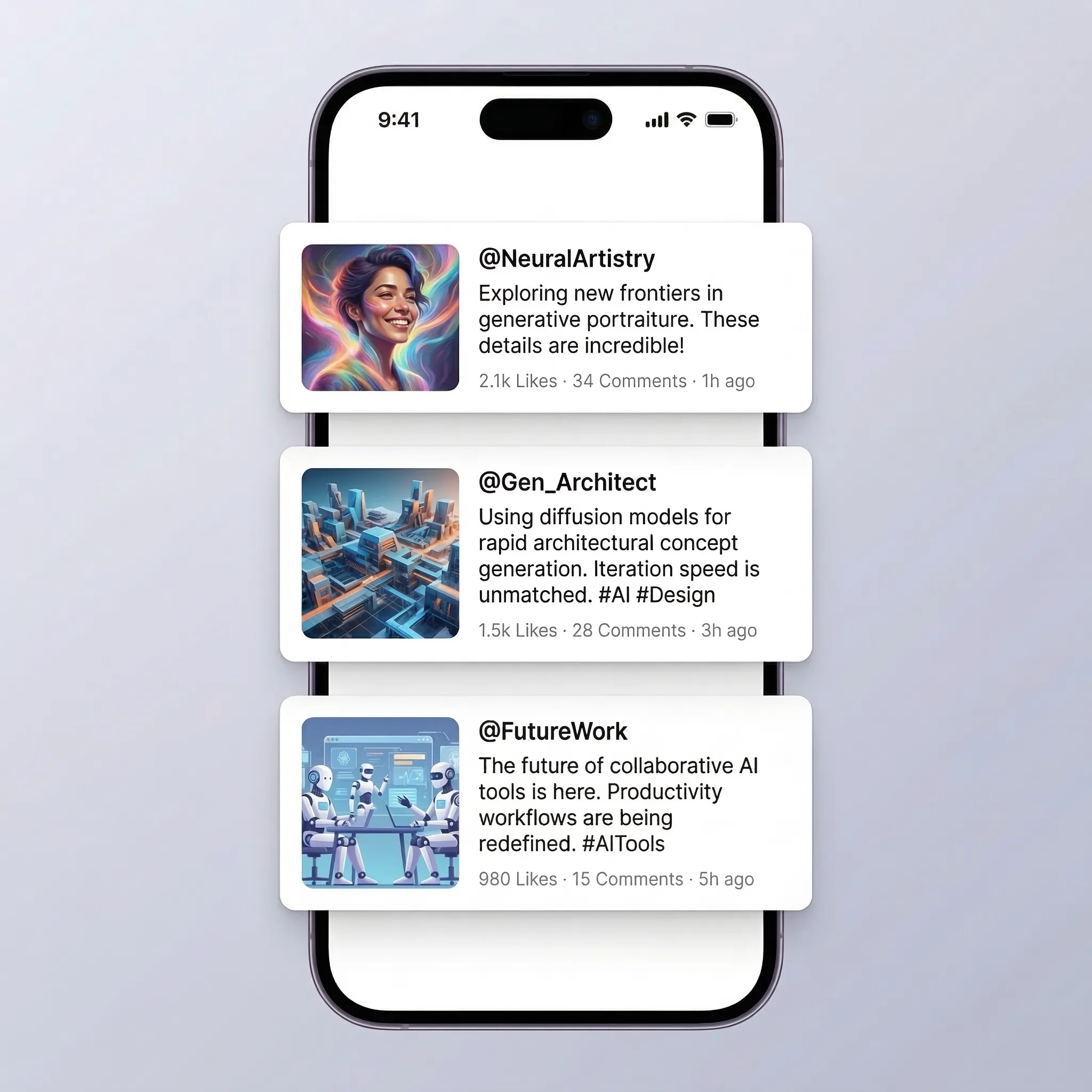
Get three unique options.
Scribario's AI analyzes your request and creates three completely different caption-and-image combinations. Each uses a different writing formula — a hook story, a punchy one-liner, a value-driven list — so you're choosing between genuinely different approaches, not minor variations.
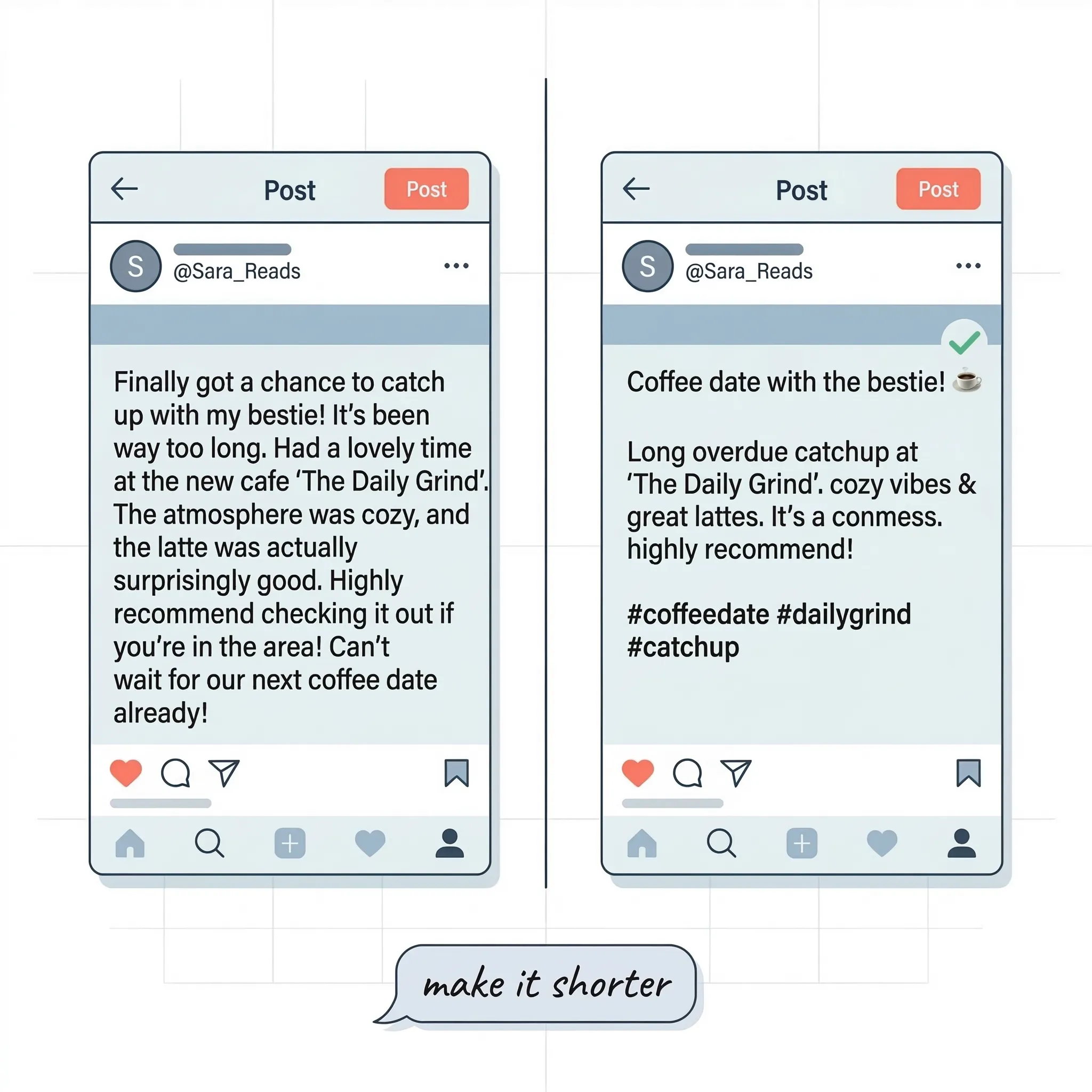
Edit, refine, or approve.
Love one? Tap Approve. Want changes? Tap Edit and describe what you want — "make it shorter," "change the tone to playful," "regenerate just the image." The AI revises while keeping your brand voice. Iterate until it's perfect.

Published everywhere. Done.
One tap publishes to Facebook — with more platforms coming soon. Each post is formatted for the platform's requirements. Want to schedule it? Just say "post this Friday at 9am." Or set up Autopilot and let Scribario post on a schedule automatically.
The old way vs. Scribario.
Traditional workflow
Scribario